





Price: $57.99 - $53.99
(as of Jul 06, 2026 13:50:10 UTC – Details)
From the brand

fifine
Keep Leveling Up
Gaming Mic
Low Profile Boom Arm
Stream Controller
Podcast Mic Set
Audio Mixer
Streaming Mixer
Studio Setup
RGB Gamer Mic
Gaming Headset
Gaming Mic Kit
Streaming Setup
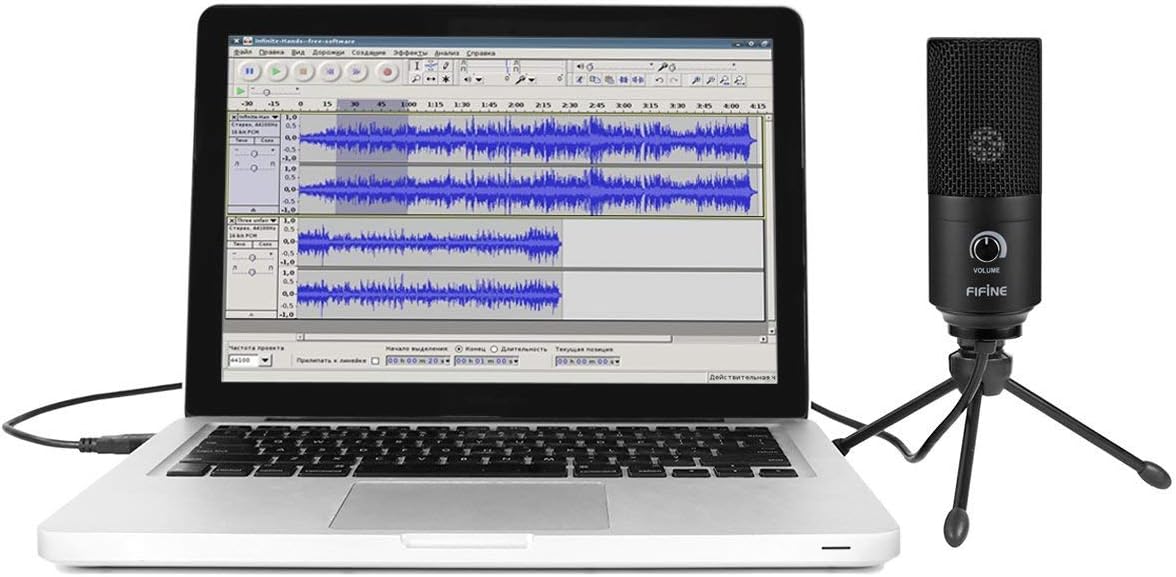
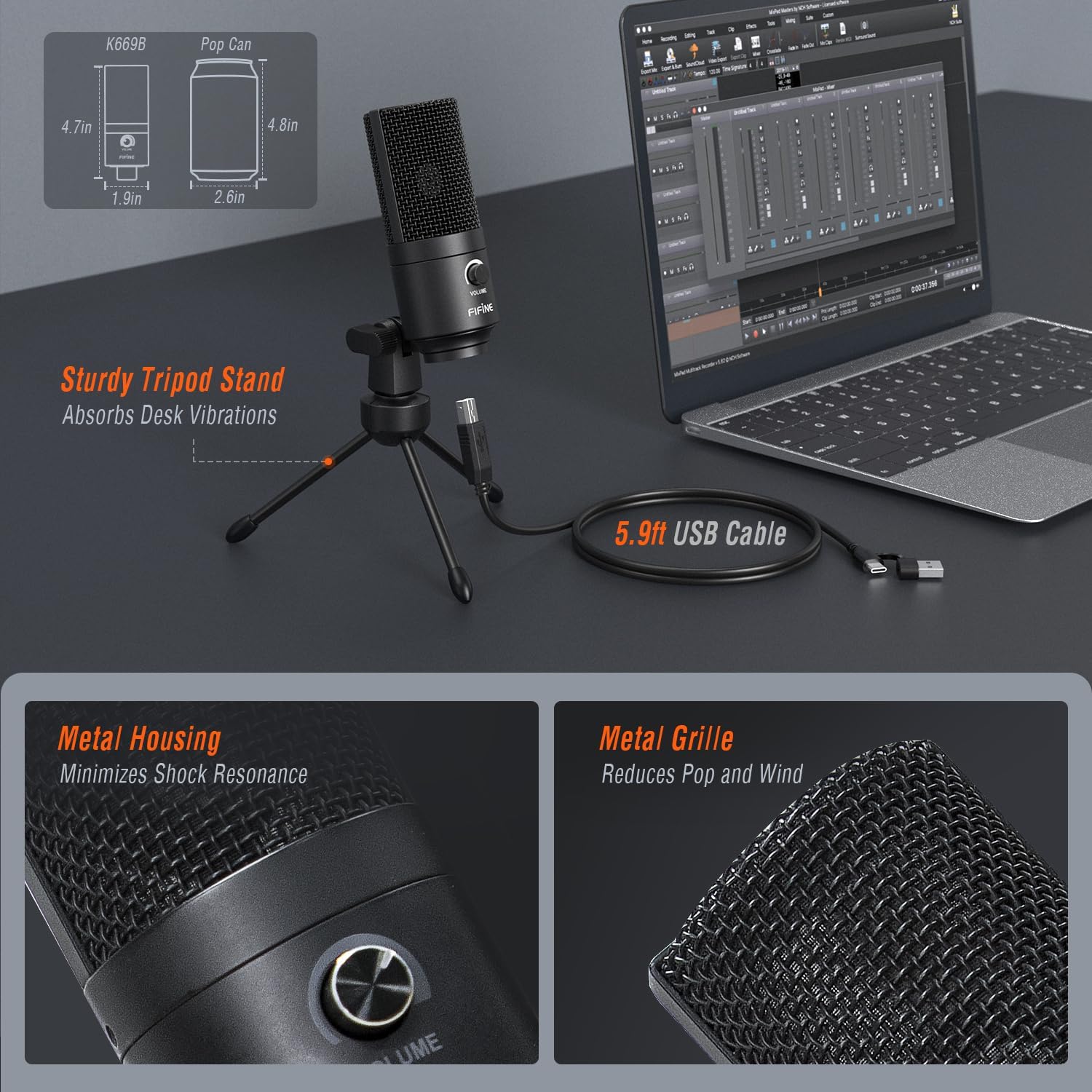
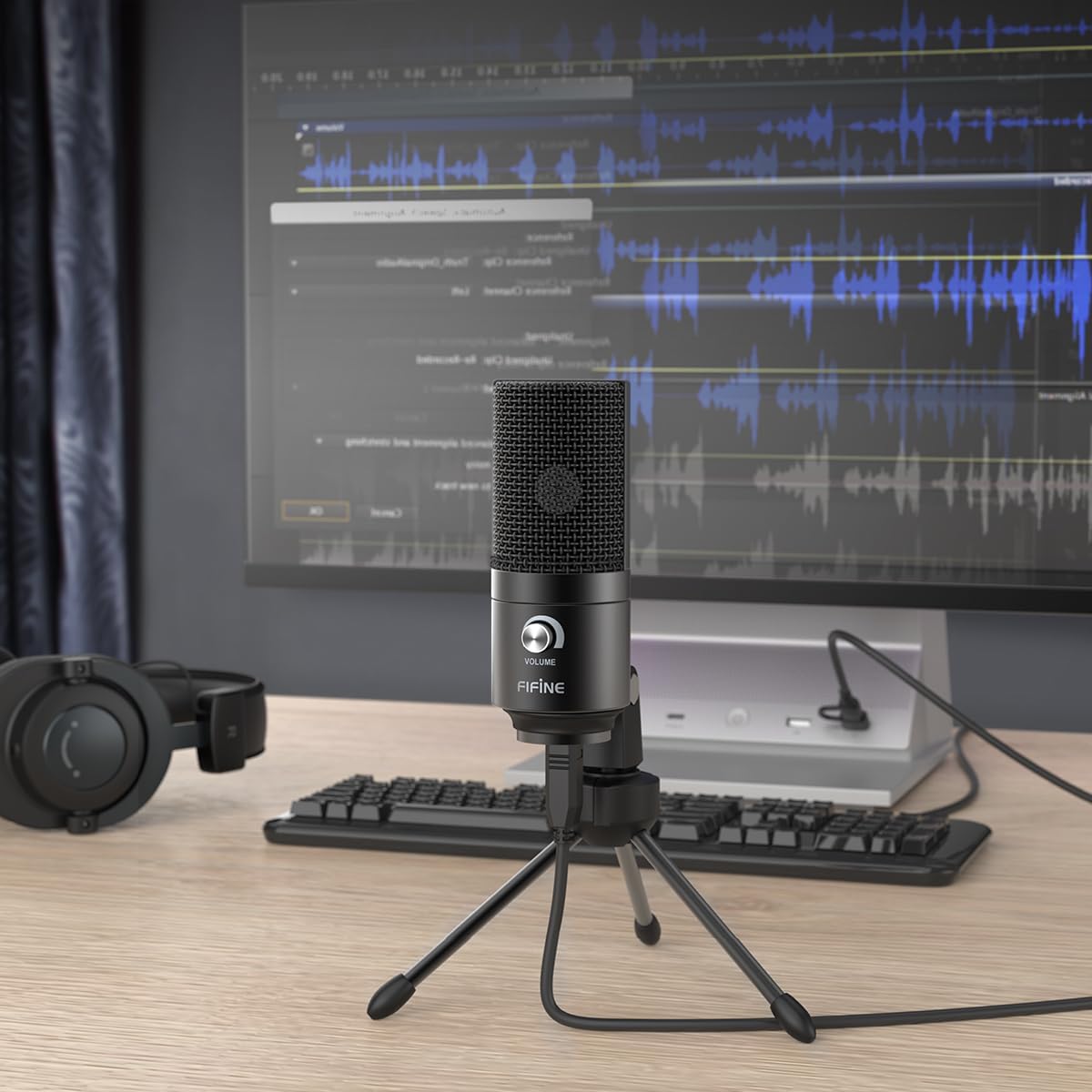
[Convenient Setup] Plug and play recording USB microphone for PC, with 5.9-Foot USB cable included for computer PC laptop, is connected directly to USB port for recording music, computer singing or podcast. The office microphone for computer is easy to use and install. (Incompatible with Xbox and Phones)
[Durable Metal Design] Solid sturdy metal construction design, the computer microphone for Zoom meetings with stable tripod stand is convenient when you are doing voice overs or livestreams on YouTube. Durable material extends the service life of the voice-over USB microphone.
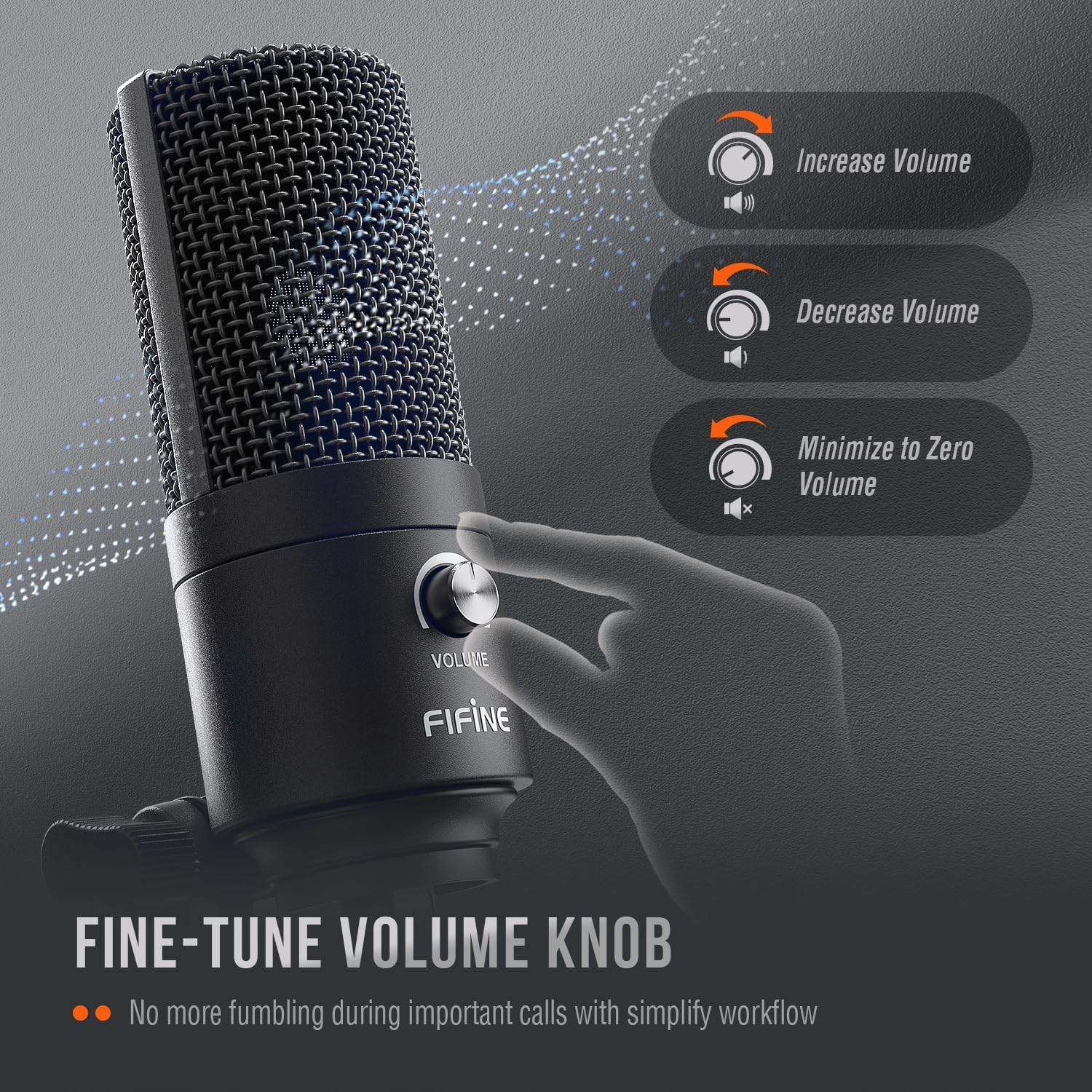
[Volume Knob] Gaming USB mic being compatible for PS4 with additional volume knob itself has a louder or quieter output adjustment and is more sensitive. Your voice would be heard well enough through the zoom microphone USB when gaming, skyping or voice recording.
[Widely Use] USB-powered design, the condenser microphone for recording no need the 48v Phantom power supply, works well with Cortana, Discord, voice chat and voice recognition. The podcast microphone for Mac meets most of your daily recording needs.
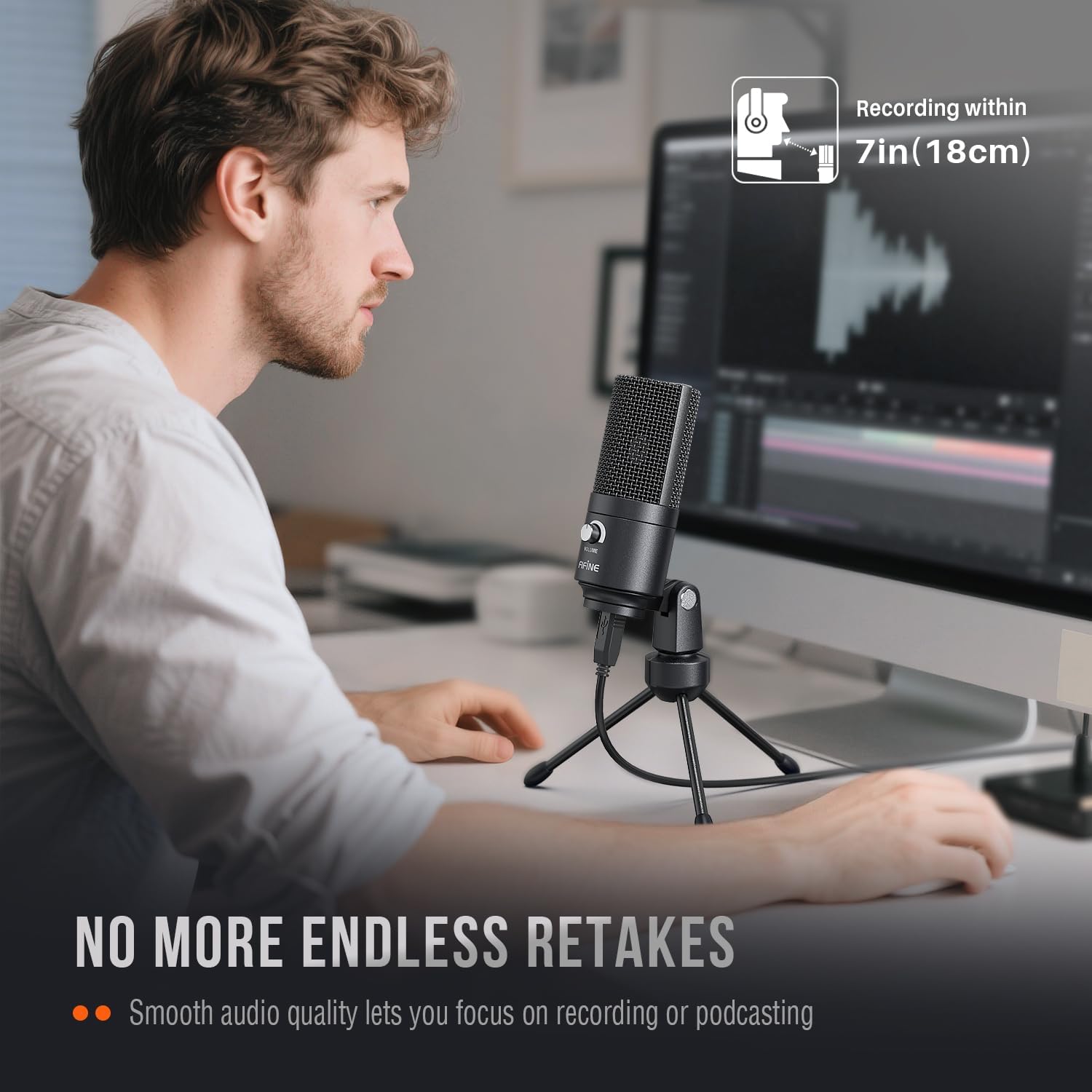
[Clear Output Voice] Cardioid gaming microphone for PC captures your voice properly, producing clear smooth and crisp sound without static noise. Attractive item for gamers/streamers/youtubers at isolating the sounds from the main source and separating them from any background noise. The streaming microphone does the job well for broadcast ,OBS and teamspeak.
[Applications] For Discord OBS Teamspeak Twitch, the impressive computer microphone with Zoom Webex Amazon Chime. The desk mic is great for Audacity. Kindly remind that you need to disable the sound activated recording function of the application (like “Automatically adjust volume” of Zoom) if you do not want your recording volume to decrease or jump around.
